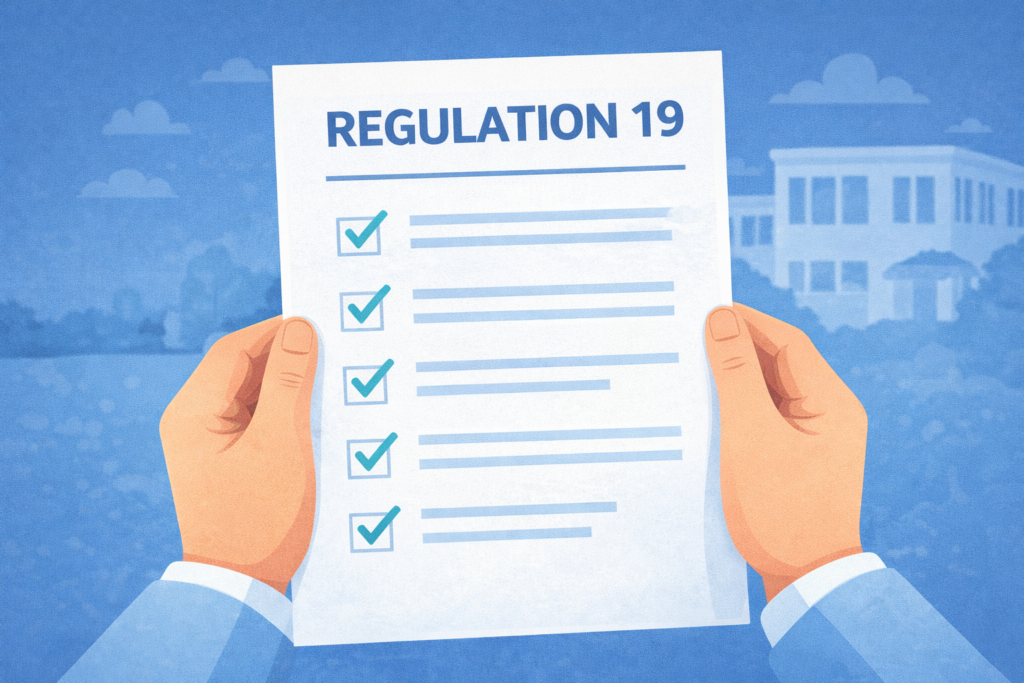
Recruiting fit and proper staff — and being able to evidence the checks behind that decision — is one of the most important parts of running a safe care service. Under CQC Regulation 19, providers must operate robust recruitment procedures, carry out the relevant checks, and take steps to ensure staff remain fit for their roles. CQC’s guidance also makes clear that providers need the required Schedule 3 information for each person employed in regulated activity.
For many providers, the challenge is not knowing what is required — it is keeping evidence complete, current and easy to retrieve. When recruitment evidence is spread across inboxes, paper files, spreadsheets and multiple locations, gaps are easy to miss. A centralised record-keeping and compliance system helps providers keep recruitment records organised, monitor expiring items, and evidence compliance more quickly when needed.
This guide breaks down a practical Regulation 19 recruitment audit checklist for care providers, common gaps that weaken compliance, and how a digital record-keeping system can help services stay inspection-ready.
What Regulation 19 means for care providers
Regulation 19 requires providers to make sure people employed for regulated activity are of good character, have the qualifications, competence, skills and experience needed for the work, and are able to perform their role, with reasonable adjustments where appropriate. It also requires providers to operate effective recruitment procedures and to hold the information listed in Schedule 3. Where a role requires professional registration, that registration must be checked and kept current.
In practice, this means CQC is not only interested in whether checks were completed at the point of recruitment. Providers also need a process for ongoing monitoring and for dealing with situations where someone may no longer be fit to carry out their duties.
If you are preparing for inspection more broadly, our guide to CQC Compliance Made Simple gives a wider overview of how centralised systems support day-to-day readiness.
The Regulation 19 recruitment audit checklist
A practical staff records audit should answer one question for every file:
Can we quickly show that this person is fit for their role and that the required recruitment evidence is complete, current and properly recorded?
1. Proof of identity is on file
Schedule 3 requires proof of identity, including a recent photograph. Your audit should confirm that identity evidence is present, legible and clearly linked to the correct person.
For providers using digital identity services, the key point is not only that a check was requested, but that the result and supporting evidence are stored back into the staff record and can be retrieved easily. CareAdmin’s Digital Identity Checks are positioned around audit trails and compliant identity verification for care providers.
You can also read our related post: Digital ID Checks: Strengthening Compliance and Trust in Care Homes.
2. Right to work evidence is complete
Your audit should confirm that right-to-work evidence is recorded where relevant, any time-limited permission is clearly dated, and review dates are visible. One of the most common weaknesses is having the original evidence on file but no clear system for follow-up before expiry.
CareAdmin’s features page highlights digital identity and right-to-work checks, reminders, and automatic record updates, helping providers keep evidence and renewal tracking together.
3. DBS status is recorded correctly
Where appropriate, CQC expects providers to undertake the relevant criminal record checks before employment as part of robust recruitment procedures. Your audit should confirm:
-
the level of DBS check is appropriate for the role
-
the result is recorded
-
any follow-up decisions or risk assessments are documented
-
Update Service monitoring, if used, is evidenced in the record.
CareAdmin’s features page says providers can order basic, standard and enhanced DBS checks within the portal, with results populated back into staff records, alongside support for the DBS Update Service.
4. References and conduct evidence are available
Schedule 3 requires satisfactory evidence of conduct in previous employment where that employment involved health or social care, or work with children or vulnerable adults. Your audit should verify that relevant references or equivalent conduct evidence are present, reviewed, and easy to retrieve.
This is an area where providers often have documents somewhere, but not in a way that clearly shows concerns were considered and resolved before employment.
5. Full employment history is recorded, with gaps explained
CQC’s guidance and Schedule 3 require a full employment history together with a satisfactory written explanation of any gaps. CQC also notes that this full employment history requirement no longer applies to most volunteers, though it still applies to paid staff and some other circumstances.
A good audit should check:
-
whether the employment history is complete
-
whether unexplained gaps remain
-
whether explanations are actually written down
-
whether any supporting follow-up notes are retained.
This is a common weak point where a provider has a CV on file but not a clearly evidenced full history and gap review.
6. Qualifications are verified where needed
CQC says providers should have the means to check that employees hold the qualifications required for their role, whether by law or by the provider’s own requirements, and retain documentary evidence.
Your audit should confirm:
-
the qualification required for the role is clear
-
documentary evidence is stored
-
the evidence is legible and complete
-
any restrictions pending sign-off are documented.
7. Competence and role readiness are evidenced
Regulation 19 is not only about pre-employment checks. CQC expects providers to have oversight of staff fitness and suitability over time. In practice, many providers support this with records of induction, training, supervision and other role-specific checks where relevant.
Your audit should look for:
-
induction completed
-
role-specific training assigned and monitored
-
supervision or oversight where required
-
evidence that the person is not working beyond their verified competence.
CareAdmin’s training management article and features page both emphasise training records, reminders and compliance visibility across services.
8. Health-related suitability has been considered appropriately
Schedule 3 requires satisfactory information about physical or mental health conditions relevant to the person’s capability, after reasonable adjustments are made, to perform the intrinsic tasks of the role. CQC’s guidance makes this about suitability to carry out the role, not excluding people unfairly.
Your audit should confirm that:
-
appropriate health-related evidence or declaration is present
-
reasonable adjustments have been considered where needed
-
confidential information is handled securely and access is controlled.
9. Professional registration is current where required
Where staff are required to be registered with a professional body, Regulation 19 requires providers to check that registration is appropriate and current.
For roles such as nurses and other regulated professionals, your audit should confirm:
-
registration evidence is on file
-
renewal dates are known
-
any lapses or restrictions are escalated promptly.
CareAdmin’s features page states that the platform supports checks across multiple UK professional registers, including the NMC, GMC, GDC and HCPC.
10. Ongoing review dates and expired items are visible
Regulation 19 requires ongoing monitoring, while Regulation 17 requires providers to maintain secure, accurate, complete and contemporaneous records relating to staff employment and the management of the regulated activity.
That means a good audit is not only a one-off file check. It should identify:
-
expired checks
-
items due to expire soon
-
missing evidence
-
outstanding actions
-
records needing review after a concern, role change or incident.
CareAdmin’s features page describes 24/7 auditing, colour-coded compliance visibility, quick filters, reminder notifications and staff record audit sign-off, all of which support this kind of ongoing monitoring.
Common staff file gaps that weaken Regulation 19 compliance
In practice, the biggest issues are rarely dramatic. More often, providers are weakened by avoidable record gaps such as:
-
a DBS result requested but not stored back into the file
-
identity evidence present but difficult to retrieve
-
a CV on file with unexplained employment gaps
-
qualification evidence missing for a role that requires it
-
registration evidence that has expired
-
records spread across multiple systems with no clear audit trail
-
reminders managed manually and missed during busy periods.
These issues matter because CQC expects recruitment procedures to work in practice, not just exist on paper.
If you want to connect recruitment records to wider inspection readiness, our guide to the CQC “Well-led” evidence pack is a useful companion piece. CQC’s Single Assessment Framework continues to place emphasis on evidence, governance and how systems work in practice.
A practical staff records audit process
Many providers review staff records monthly as a practical way to spot risk early and keep records inspection-ready.
That is a best-practice operational approach rather than a fixed requirement set out by CQC.
A simple process looks like this:
Step 1: Filter records needing attention
Start with records that are incomplete, expiring soon or already expired.
Step 2: Check the core recruitment evidence
Review identity, right to work, DBS, references or conduct evidence, employment history, qualifications, health-related information and registration where relevant.
Step 3: Review role-specific items
Check that training, induction, supervision or bespoke checks match the person’s role and responsibilities.
Step 4: Record actions and owners
Any missing item should have a named owner, due date and status.
Step 5: Recheck and sign off
Once missing evidence is added, complete an audit sign-off so there is a clear record of review.
This is where centralised record keeping saves time. CareAdmin’s platform features include quick filters, configurable checks and renewal periods, audit sign-off, and visibility across multiple services.
Why record keeping matters just as much as the check itself
In many services, the check has technically been done — but the evidence is buried in an inbox, held by another location, or not linked back to the staff record. From a governance point of view, that is still a weakness.
This is where the link to Regulation 17 becomes important. Regulation 19 is primarily about safe recruitment and staff fitness. Regulation 17 strengthens this in practice by requiring providers to maintain secure, accurate and complete records, including records relating to persons employed.
That is why the strongest Regulation 19 process is not just a safer recruitment process. It is also a reliable record-keeping process:
-
one place for staff compliance records
-
clear visibility of what is missing
-
documented review dates
-
audit trails for actions taken
-
easy retrieval during inspection or internal audit.
If policy distribution and document control are part of that process, the Documents and Policies Manager is a relevant internal link here because CareAdmin positions it as part of its centralised compliance workflow.
How CareAdmin supports Regulation 19 record keeping
CareAdmin is positioned as an online staff management and compliance system for CQC-regulated providers, with a strong focus on safer recruitment, record organisation and audit visibility. According to the CareAdmin features page, this includes centralised staff records, automated auditing, configurable checks and renewal periods, direct ordering of certain checks, automatic results population, training records, reminders, policy management, user permissions and multi-site oversight.
That matters because the pressure point for many providers is not whether they understand CQC’s expectations. It is whether they can quickly show that the right recruitment evidence is complete, current and being monitored properly.
For a broader overview, see How CareAdmin Streamlines Compliance Checks Across All CQC-Regulated Industries.
Final thought
A strong Regulation 19 process is not just about onboarding. It is about keeping each staff record complete, current and reviewable over time.
If your recruitment evidence is centralised, clearly tracked and easy to audit, you are in a far stronger position to show that your procedures are effective in practice. If it is spread across paper files, inboxes and disconnected systems, even strong services can struggle to evidence what they have already done.
For care providers, the real goal is simple: know what is missing, know what is due, and be able to show the right record when asked.
Want to make Regulation 19 audits easier to manage?
CareAdmin helps providers keep staff records, compliance checks, reminders, policies and supporting evidence in one place, with automated auditing and visibility across services. Explore the full CareAdmin features or book a demo.